

Custom Packaging Solutions
Premium quality packaging tailored to your brand. From cosmetic boxes to luxury rigid packaging, we deliver excellence since 2010.
This is the title

Hey there, I'm Mike!
How to print my logo or design onto a cardboard box?
You've got a fantastic logo, but when you get samples printed, it looks fuzzy and unprofessional. You're worried about spending a fortune on an order of boxes only to have them look cheap and low-quality.
To print your logo perfectly, you must provide your factory with a vector file1, such as an .AI, .EPS, or .SVG. This type of file uses mathematical equations, not pixels, ensuring your design stays sharp at any size.
This is the single most important rule in professional printing. I can't tell you how many times a client has sent me a small JPG logo they pulled from their website and asked me to print it on a large box. The result is always a blurry, pixelated mess. Your packaging is your silent salesperson; it needs to look as professional as your product. Providing the right file format from the start is the key to achieving that crisp, high-quality look you want. Let's walk through how printing works so you can get it right.
Can you print onto cardboard?
You see the rough, porous surface of cardboard and worry. You wonder if your vibrant design will just sink in and look dull, making it impossible to get a high-quality finish.
Yes, you can print beautiful, high-quality graphics2 directly onto cardboard. Modern factories use specific printing methods3 and inks designed to work with cardboard's texture, producing results that are sharp, vibrant, and professional.
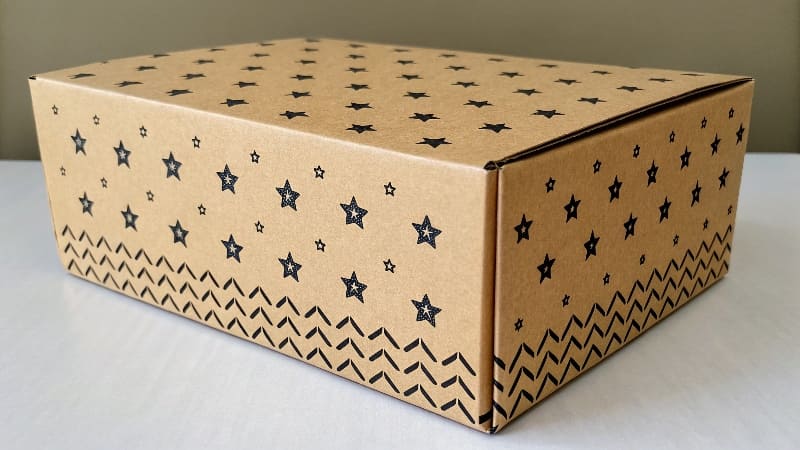
Printing on cardboard is what my factory does all day, every day. It's a science. The key is to prepare the artwork correctly and choose the right printing method. First, to print your logo and design on a gift box, you need to prepare the source file of your logo for the print layout . This means your files need to be in the correct format and high resolution. A typical print design is made of various images and text, so you must provide high-definition source files to the factory so we can create the final print-ready files4 .
Preparing Your Artwork for Print
- Vector is King: Logos and text should always be in a vector format (.AI, .EPS). This means the image is made of lines and curves, not pixels. You can scale a vector logo to the size of a building, and it will stay perfectly sharp.
- High-Resolution Images: If you must use a photograph, it needs to be high resolution—at least 300 Dots Per Inch (DPI) at the size it will be printed. A 72 DPI image from a website will look terrible in print.
- CMYK Color Mode5: Your design files should be set to CMYK (Cyan, Magenta, Yellow, Black) color mode. This is the color language of printers. A file in RGB (Red, Green, Blue) mode, which is for screens, will have its colors shift when printed.
How do they print on boxes?
The process feels like a mystery. You send a digital file to a factory, and weeks later, a physical box arrives. The steps in between are a black box, leaving you feeling disconnected from the process.
Most boxes are printed flat on large industrial presses before they are cut and folded. The main methods are offset lithography6 for premium quality, flexography7 for shipping boxes, and digital printing8 for small orders.
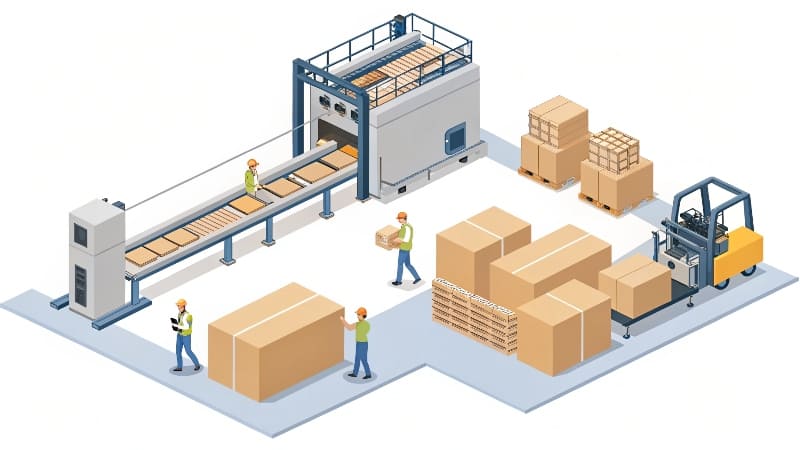
It's a large-scale industrial process, but it's pretty straightforward. Imagine we are printing 10,000 product boxes for you. First, we take your approved artwork and create a set of metal "printing plates"—one for each color (cyan, magenta, yellow, and black). These plates are loaded into a massive offset printing press. Large, flat sheets of your chosen cardboard are fed through the machine at high speed. Each sheet passes through a series of rollers that apply the different ink colors one by one to recreate your design. After the sheets are printed and dried, they move to a die-cutting machine. Here, a custom tool cuts out the box shape and adds crease lines. Finally, these flat cutouts are folded and glued by another machine to form your finished boxes.
Can you screen print on cardboard?
You know about screen printing9 for t-shirts and posters. You wonder if this hands-on, artistic method can be applied to your cardboard boxes to create a more unique and tactile design.
Yes, you can absolutely screen print on cardboard. It is an excellent choice for bold, simple designs and is often used for specialty boxes. It creates a thick, durable layer of ink with a distinct look and feel.
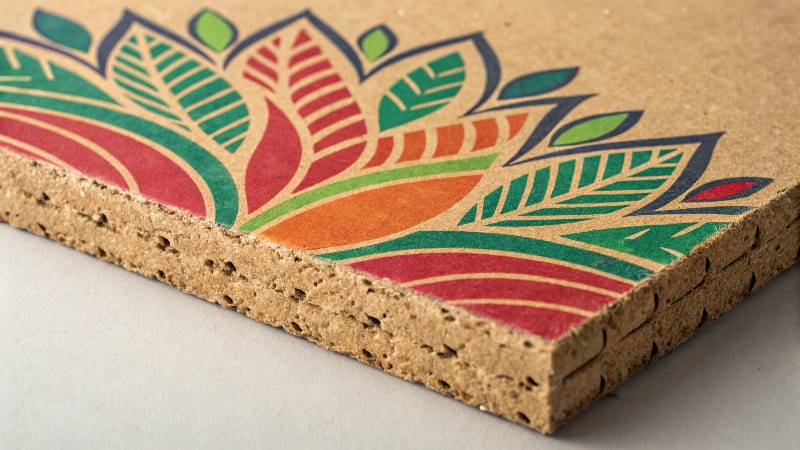
Screen printing is a fantastic option when you want a specific effect. While offset printing is great for full-color photographic images, screen printing9 excels at laying down thick, opaque layers of ink. Think of a bold, white logo on a natural brown Kraft box. Screen printing will make that white logo incredibly bright and solid, where other methods might look faded. It's also perfect for special inks, like metallics, puffy textures, or high-gloss finishes that you can actually feel. The process involves pushing ink through a stenciled mesh screen directly onto the flat cardboard. It's slower and more manual than other methods, so it's not ideal for complex, multi-color designs. But for a one or two-color logo that needs to pop, it delivers a premium, craft feel that customers notice.
What printing method is used on cardboard?
You hear terms like offset, flexo, and digital, but it's just a confusing list of technical words. You need to know which method is the right choice for your project, your budget, and your quality expectations.
The printing method depends on your box type and quantity. High-quality product boxes use Offset Lithography. Simple shipping boxes use Flexography. Prototypes and very small orders use Digital Printing.
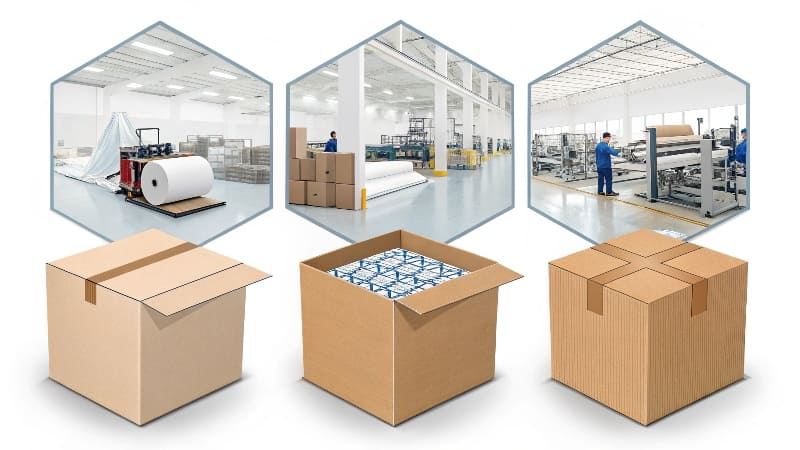
Choosing the right printing method is a balance between quality, quantity, and cost. Your manufacturer should guide you, but it helps to understand the options. There is no single "best" method; there is only the "best method for your specific job." For example, ninety percent of the custom cosmetic boxes I produce use offset printing because my clients demand perfect color and detail. But for a large company that needs 50,000 shipping cartons with a simple logo, flexography7 is the faster and more cost-effective choice. Understanding the basics helps you have a much more productive conversation about meeting your design goals within your budget.
Comparing Common Printing Methods
| Method | Best For | Quality | Cost (at high volume) |
|---|---|---|---|
| Offset Lithography | Premium product boxes, full-color photos. | Excellent | Low |
| Flexography | Shipping boxes, one or two-color logos. | Good / Basic | Very Low |
| Digital Printing | Prototypes, small orders (<500). | Very Good | High |
| Screen Printing | Bold logos, special inks, unique texture. | Excellent (bold) | Medium |
Conclusion
To print a sharp logo, always provide a vector file1. The right printing method—offset for quality, flexo for bulk, or digital for small runs—depends on your design, quantity, and budget.
Understanding vector files is crucial for achieving high-quality prints, ensuring your logo looks sharp and professional. ↩
Learn the techniques to ensure your graphics look vibrant and professional on cardboard packaging. ↩
Understanding various printing methods helps you choose the best one for your project, balancing quality and cost. ↩
Creating print-ready files is essential for successful printing; learn how to prepare your files correctly. ↩
CMYK is the standard for print colors; knowing this can help you avoid color shifts in your printed materials. ↩
Offset lithography is ideal for high-quality prints; discover when to choose this method for your projects. ↩
Flexography is a cost-effective printing method for packaging; learn its benefits for your shipping needs. ↩
Digital printing is perfect for small runs; find out how it can save you time and money on prototypes. ↩
Screen printing offers unique textures and bold colors; explore its advantages for specialty designs. ↩
More to read
# Which is Better for Packaging Mockups: Laser or Inkjet?
Which is Better for Packaging Mockups: Laser or Inkjet? You need to create a physical
2025 year the most welcome packaging box color trends
This year, packaging trends are making a bold statement with Radiant Red taking the limelight
5 Important Things to Consider for Luxury Products Packaging?
5 Important Things to Consider for Luxury Products Packaging? You've created a premium product, but